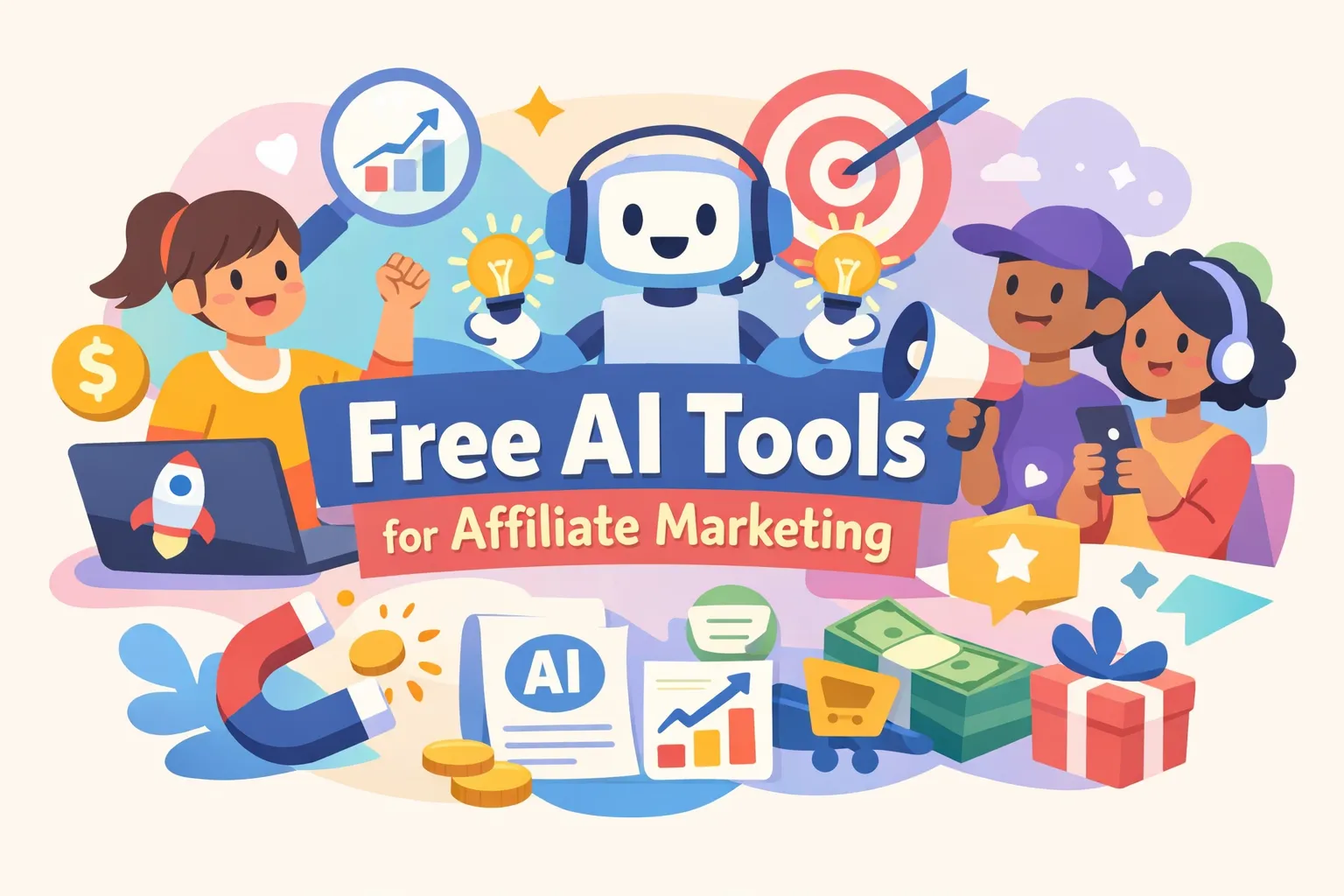
Free AI marketing tools can speed up an affiliate funnel or waste weeks when you hit hidden paywalls. Many affiliates try the obvious free options and leave disappointed because they skip four practical checks: content quality, commercial rights and watermark rules, integration capability, and meaningful usage caps. This guide walks through those checks and shows how to pick free-plan tiers that actually move the needle for a single offer instead of producing demos or boilerplate copy.
Free tiers often hide limits that break workflows: message cycles, image credits, automation task caps, and tiny email audience thresholds are common culprits. Run a 48-hour checklist to probe those limits and apply simple workarounds so you can stay in the no-cost AI marketing software lane while you validate an offer. When free content or social tools stop scaling, try a short paid trial from a single provider to test advanced templates and automation before committing to a plan.
Quick summary
- Treat free tiers as short test drives. Run a 48-hour checklist to confirm a tool supports a live affiliate campaign.
- Confirm commercial usage and watermark rules before publishing ads or landing pages to avoid legal or quality issues.
- Exercise message cycles, image credits, automation caps, and export limits so hidden paywalls don’t break a live workflow.
- Choose one best free tool per task, like writing, visuals, or automation, rather than trying to replace your full stack with freebies.
- Wire GA4 and Search Console to your affiliate links and run a seven-day comparison to see which tool actually moves the needle.
Top 7 free ai marketing tools for affiliate marketers
- ChatGPT — fast ideation, outlines, headlines, and short email drafts; useful for initial structure and CTA testing on a free tier with message limits.
- Writesonic — SEO-aware templates and editorial scoring to speed on-page structure and meta creation on a limited free quota.
- Canva — free layout, resizing, and template batching for ad creatives and landing visuals; best used as the assembly tool for final exports.
- FreeGen.app — watermark-free image generation (verify current license) for concept images that you then polish in a layout tool.
- Mailchimp — free AI subject-line suggestions and basic automation flows to run starter email sequences and measure opens/clicks.
- Zapier — easy glue to connect forms, ChatGPT outputs, Mailchimp, and Sheets; design automations to conserve free task limits.
- n8n — self-hosted automation option for affiliates who need near-unlimited workflows and control when free hosted tiers become restrictive.
How to choose free ai marketing tools that actually move the needle
Treat free plans as short trials, not full purchases. Four practical checks predict whether a tool will be useful: content quality, commercial rights and watermark rules, integration capability, and meaningful usage caps. These checks show if a tool can scale an affiliate funnel or if it will simply be an experiment. Focus on these checks rather than on long feature lists or marketing claims.
Test content quality by generating assets you actually need: headlines, a short email sequence, an ad image, and a landing-page subhead. Score each output for clarity, audience fit, and conversion potential. Save multiple versions externally so you can compare changes and not lose work to message limits.
Confirm commercial rights and watermark rules before you publish or run ads. If a free tier applies watermarks or blocks commercial use, you will need a different source for final assets. Also check integrations: if a tool cannot pass data to your CRM or automation stack it creates manual work that kills efficiency.
Watch for limits that break workflows and test them in your first 48 hours. Look for chat rate limits, image-credit ceilings, automation task caps, and API throttles that prevent bulk work. If you hit a barrier, batch tasks, rotate tools, or export raw outputs for local processing to keep moving. Use a short paid trial only to validate advanced templates or automation before committing to a long-term plan.
Content creation: best free ai marketing tools for writing and SEO
When you need usable copy on a budget, the right free AI marketing tools turn a blank page into something you can publish. Focus on tools that handle distinct tasks like ideation, SEO structure, and quick editing, then stitch their outputs together into a finished piece.
ChatGPT is a reliable starting point for outlines, product reviews, and email drafts. Its free tier handles ideation, tone variations, and headline testing but has message limits and less robust reasoning, so save versions externally and use tight prompts. Use ChatGPT to build structure and CTAs, then move drafts into a different editor for final polish.
Writesonic adds SEO-aware templates and editorial scoring that speed on-page structure and meta creation. The free quota is smaller than older plans, but for short to medium posts it produces SEO-friendly drafts faster than manual formatting. For writers focused on search, Writesonic is a strong free-plan option to move from outline to publishable draft.
Turn outputs into measurable results with a seven-day writing sprint that keeps work compact and repeatable. The schedule below moves a short affiliate piece from outline to published and tracked in a week.
- Day 1: Outline in ChatGPT and pick primary keywords.
- Days 2-3: Draft in Writesonic and edit for voice.
- Day 4: Create headlines and CTAs in ChatGPT and finalize the subhead.
- Day 5: Repurpose into social posts and short snippets.
- Day 6: Schedule posts, add UTMs, and set tracking.
- Day 7: Review analytics and iterate based on early signals.
The micro plan creates a repeatable content routine using no-cost AI tools and a tight measurement loop. After distribution, use tracking to confirm which versions and channels actually convert.
Visuals and design: free image tools that let affiliates advertise
Good visuals increase click-throughs, and the right free tools let you create ad-ready assets without a design team. Treat Canva’s free plan as your layout and batching tool: it provides thousands of templates, easy ad-sized exports, and simple text-to-image options for quick concepts. Don’t expect Pro-level generation inside the free plan; use Canva mainly to assemble, resize, and brand images created elsewhere.
For raw image generation, FreeGen.app often delivers watermark-free images that can be used commercially, so it pairs well with Canva. Generate several concept variations there, then bring the best options into Canva for layouts, overlays, and export sizes. Always verify current commercial license terms and keep a screenshot of the license in case policies change.
- Session 1: Generate six image concepts in FreeGen with different compositions and color palettes to create layout options.
- Session 2: Pick two Canva templates and add minimal branded text, keeping font sizes and spacing consistent for reuse.
- Session 3: Export ten ad sizes, upload them to an A/B ad test, and lock the best template for future batches.
Prioritize templates over perfect art and verify commercial rights before you publish. Use FreeGen for creative ideas and Canva to execute and scale layouts, then read the tracking and analytics section so you don’t spend before you know what works.
Email automation: free ai features that grow small lists
Mailchimp’s free plan includes AI subject-line suggestions and basic automation flows, making it a sensible starter ESP among free AI marketing tools. Those features provide creative help and measurable sequences without upfront cost, but list size and gated features limit scale. Start with tight segmentation and rule-based tags to keep your audience focused and avoid paid upgrades while you test offers.
Pair Mailchimp with Zapier to build a lean lead-capture funnel that stays inside free tiers. Keep the flow minimal so signals arrive quickly: a landing form triggers a Zap, Zapier creates the subscriber with a source tag, and Mailchimp fires a one-email welcome automation that records opens and clicks. That structure lets you measure early engagement without complex setups.
- Landing page form (or Typeform) submits to Zapier.
- Zapier adds the contact to Mailchimp and applies a tag like source=fb or campaign=leadmagnet.
- Mailchimp automation: send welcome email, wait 48 hours, then tag based on clicks or nonopens.
Deliverability is essential. Authenticate your sending domain with SPF and DKIM, use a consistent FROM name, and warm sending gradually to avoid bounces. Don’t stuff affiliate links into the first email and check the ESP’s affiliate-content policy before you send. Use opens and clicks to calculate early ROI, then run subject-line A/B tests and refine segmentation to improve deliverability and conversions.
Automation and integrations: glue tools that save hours
Glue tools connect scattered apps into single flows so you stop copying and pasting between platforms. A handful of automations will save hours and let solopreneurs feel far more productive. Start with simple connections and scale only when data shows they pay for themselves.
Zapier is the easiest glue for non-technical affiliates. Its free tier links ChatGPT outputs, forms, Mailchimp, and Sheets with minimal setup and reliable behavior. The main constraint is task limits, so design automations that fire only after leads pass a quality threshold to preserve free tasks for high-value events.
If limits or cost become a problem, consider n8n or Make. n8n offers a self-hosted option and near-unlimited automations if you can run a server, which gives control and auditing. Make provides a visual builder and a useful free tier for moderate workflows, so move to these tools when Zapier’s simplicity becomes a bottleneck.
Build three core automations in the first week to cover lead capture, content reach, and measurement. These lightweight flows handle the routine work so you can focus on testing and optimization.
- Form → Mailchimp tag: capture and qualify leads automatically.
- Publish post → social snippets: repurpose long content into platform-ready posts.
- Conversion event → Google Sheet log: create a simple attribution ledger for later analysis.
These automations are compatible with most free marketing stacks and keep manual work to a minimum. Wire these flows into your content calendar and tracking so data starts informing production decisions. When a workflow consistently saves time and improves conversion, consider moving it to a paid plan or self-hosted solution.
Measure what matters: free analytics and SEO tools for affiliates
Set up GA4 conversions, tie Search Console queries to pages that host affiliate links, and use Google Keyword Planner for quick intent checks. Tracking the conversion event for your affiliate link is the single most important step you can take this week. That setup gives the raw signals you need to decide quickly when testing free AI marketing tools.
Use a tight KPI template for the first 30 days so you stop guessing and start learning. Track small, actionable numbers that show whether content and creatives actually move money. The list below covers the essentials to review each day during a live test.
- Sessions
- Click-through rate on promos
- Email open rate
- Lead-to-sale conversion
- Revenue per visitor
Watch for privacy and data-retention issues when testing free tools. Many free services retain inputs and use them to train models, so never paste PII, payment details, or unreleased funnel copy into those interfaces. When in doubt, redact sensitive information or keep assets in local documents until you move to a paid plan with clearer data controls. Logging these constraints prevents costly leaks or policy conflicts later.
If you want a guided path through those tests, How to Use AI for Affiliate Marketing: A Real Daily Workflow | InternetMoneyPro walks beginners through exact steps to turn these tools into predictable commissions within 60-90 days. The system focuses on promoting a single offer to a defined audience and uses AI tools to speed research and content creation. Sign up to get the step-by-step checklist and sprint template, then apply it to your first campaign.
Choose free ai marketing tools that actually move the needle
Turn short experiments into repeatable results: pick one tool per task, run a seven-day comparison, publish a single affiliate piece using the winner, then track clicks and conversions to iterate. Treat free plans as short trials and scale only the tools that show measurable impact. If you’re rethinking your approach, see Starting Over With Affiliate Marketing: The Second Attempt Blueprint | InternetMoneyPro for a structured reset.
Leave a Reply